

Ecommerce website design isn’t just about looking good—it’s often the hidden reason your traffic isn’t turning into sales. After 20 years in digital marketing, we’ve seen how small design flaws can block checkout and stall your Q2 revenue. In this post, you’ll get a clear framework to fix navigation, boost trust on product pages, and speed up mobile flow, so your site stops leaking sales and starts closing the quarter strong. For more insights, explore this resource on ecommerce conversion optimization.
Rethinking Ecommerce Website Design
Redesigning your ecommerce site is more than making it look nice. It’s about turning visitors into customers and boosting quarterly earnings. Let’s explore how strategic design changes can impact your bottom line.
Design Beyond Aesthetic Appeal
The first thing people notice about a website is how it looks, but there’s more to it than just visuals. A well-designed site should also guide users smoothly through their buying journey. When your site is easy to use, customers are more likely to stay, explore, and ultimately buy.
User-friendly design means fewer barriers between your visitors and their purchases. A clear layout helps users find what they need quickly. This isn’t just a theory. Many ecommerce sites have improved their sales by enhancing site usability. By focusing on customer experience, you’re creating a space where users feel comfortable shopping.
Simple design choices like easy navigation, clear calls-to-action, and quick load times can make a big difference. Think of your website as a digital storefront. If it’s welcoming and easy to navigate, people will want to stick around and shop.
Traffic to Revenue Conversion
Having a lot of traffic is great, but it means little if those visitors don’t convert into paying customers. The design of your ecommerce site plays a crucial role in this conversion process. Let’s dive into the specifics of how to make that happen.
One key factor is understanding the path users take on your site. By optimizing this journey, you can reduce friction and improve conversion rates. For instance, ensure that your checkout process is as straightforward as possible, reducing unnecessary steps that could lead to cart abandonment.
Additionally, consider your product pages. Are they providing enough information and incentives for users to make a purchase? Clear descriptions, quality images, and customer reviews can significantly enhance your product presentation. This approach not only improves the shopping experience but also boosts your site’s credibility.
Key Ecommerce Design Priorities
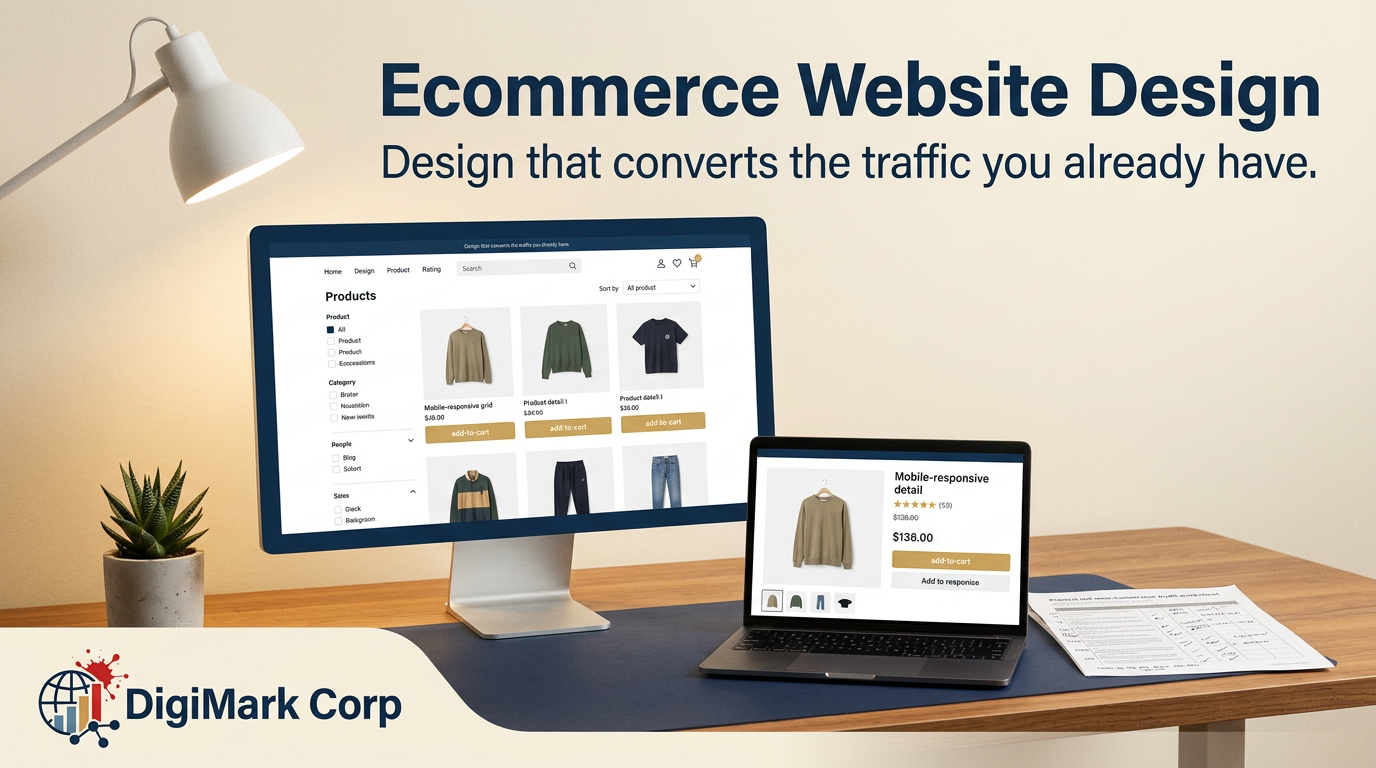
To turn your site into a sales powerhouse, focus on what truly matters: design priorities that facilitate purchases. We’ll start with navigation and trust signals.
Navigation Design for Clarity
Navigation is like a roadmap for your site. If visitors can’t easily find what they’re looking for, they’re likely to leave. Clear navigation is essential for guiding users smoothly and keeping them on your site longer.
1. Simplify your menu: Make sure your navigation menu is straightforward. Use categories that make sense and are relevant to your products.
2. Use a search bar: A visible search bar can help users find products quickly. It acts as a shortcut to what they need.
3. Breadcrumbs matter: These small links show users where they are on your site and help them navigate back if needed. This improves user experience and keeps customers engaged.
Product Page Trust Signals
When customers land on a product page, they need assurance that they’re making a wise purchase. Trust signals are essential here.
-
Customer reviews: Display authentic reviews prominently. They provide social proof that others have had positive experiences with your products.
-
Clear return policies: Offering clear return policies can alleviate purchase hesitations. Make sure this information is easy to find.
-
Quality images: Use high-resolution images that show products from multiple angles. This gives customers a better sense of what they’re buying.
Trust signals help in reducing doubts and encouraging purchases. They show customers that your store is trustworthy and reliable.
Boosting Q2 Revenue Through Design
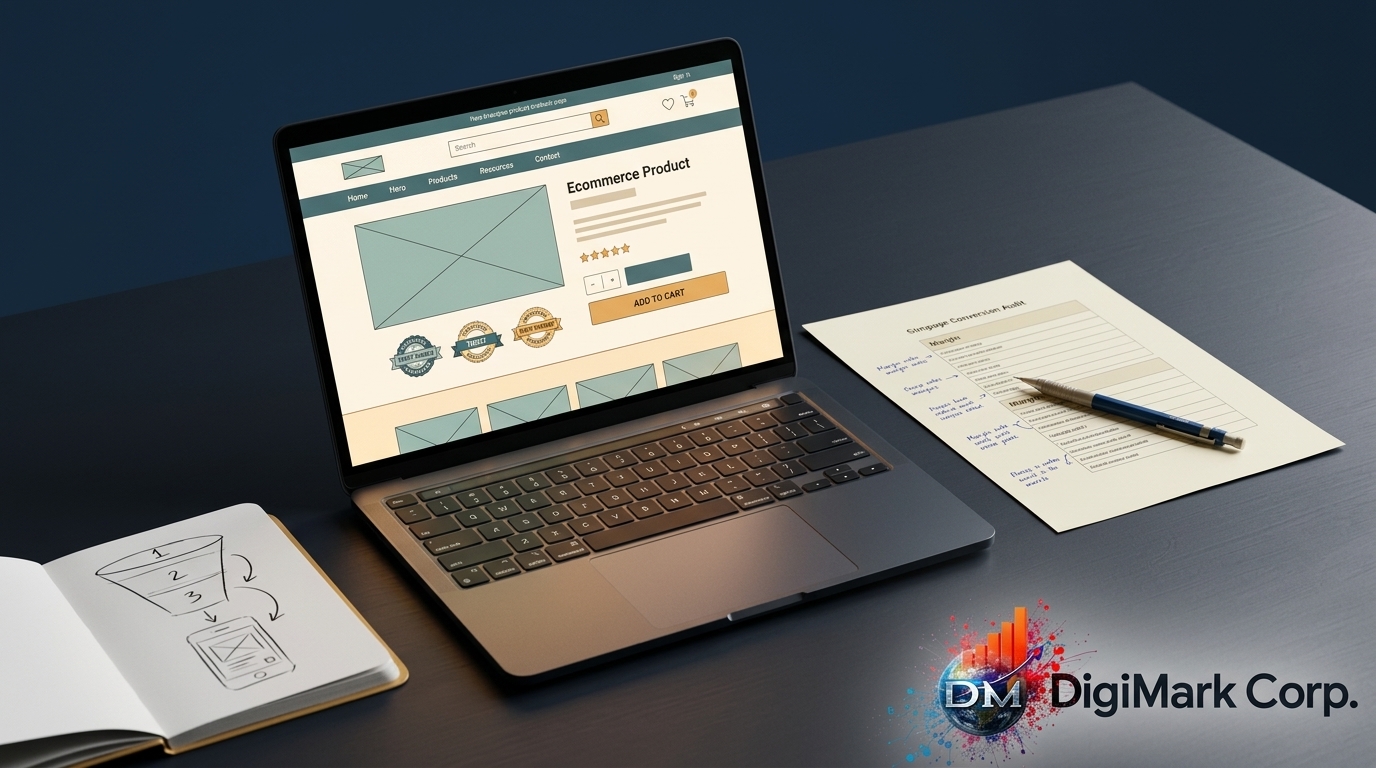
As the end of Q2 approaches, enhancing your site’s design can directly influence your revenue. Let’s look at mobile usability and checkout techniques that can make a difference.
Mobile Ecommerce Usability
In today’s digital age, many customers shop on their phones. Ensuring your site is mobile-friendly improves both user experience and sales.
Responsive design: Your site should adapt to different screen sizes seamlessly. This means no pinching or zooming to see content clearly.
Fast loading times: Mobile users want quick results. If your site takes too long to load, they’ll move on. Aim for a load time of under three seconds to keep visitors engaged.
Easy navigation: Ensure buttons and links are easy to click on small screens. A streamlined mobile experience encourages more purchases.
Checkout Optimization Techniques
The checkout process is the final step in the shopping journey. Make it as easy and quick as possible to reduce cart abandonment.
-
Simplify forms: Ask only for essential information. The shorter the form, the better.
-
Guest checkout: Not everyone wants to create an account. Offer a guest checkout option to speed up the process.
-
Multiple payment options: Provide various payment methods to cater to different preferences. This flexibility can lead to more completed sales.
By focusing on these areas, you can maximize your ecommerce site’s potential. The sooner you make these changes, the faster you’ll see results. Improve your ecommerce design now and watch your Q2 revenue soar before heading into Q3.