
Most businesses treat Zoho CRM like a simple contact list, missing its full power. When properly configured, it becomes the spine of your revenue, linking lead capture, follow-up, and sales tracking into one clear system. In this post, you’ll see how tailored Zoho CRM implementation can turn scattered leads into a visible pipeline and real ROI—giving you the confidence you need for fiscal year planning. For more details on setting up Zoho CRM effectively, visit this comprehensive guide.
Zoho CRM as a Revenue Engine
Imagine your CRM as the heart of your business, driving every interaction and decision.
Align CRM with Buyer Journey
To effectively guide prospects through their journey, it’s crucial that your CRM reflects their needs at every stage. Start by mapping out each touchpoint where your customer interacts with your business. Is your CRM capturing these interactions? If not, it’s time to reconfigure. This alignment ensures personalized communication, making it easier to meet customer expectations and drive conversions.
Enhance Sales Pipeline Visibility
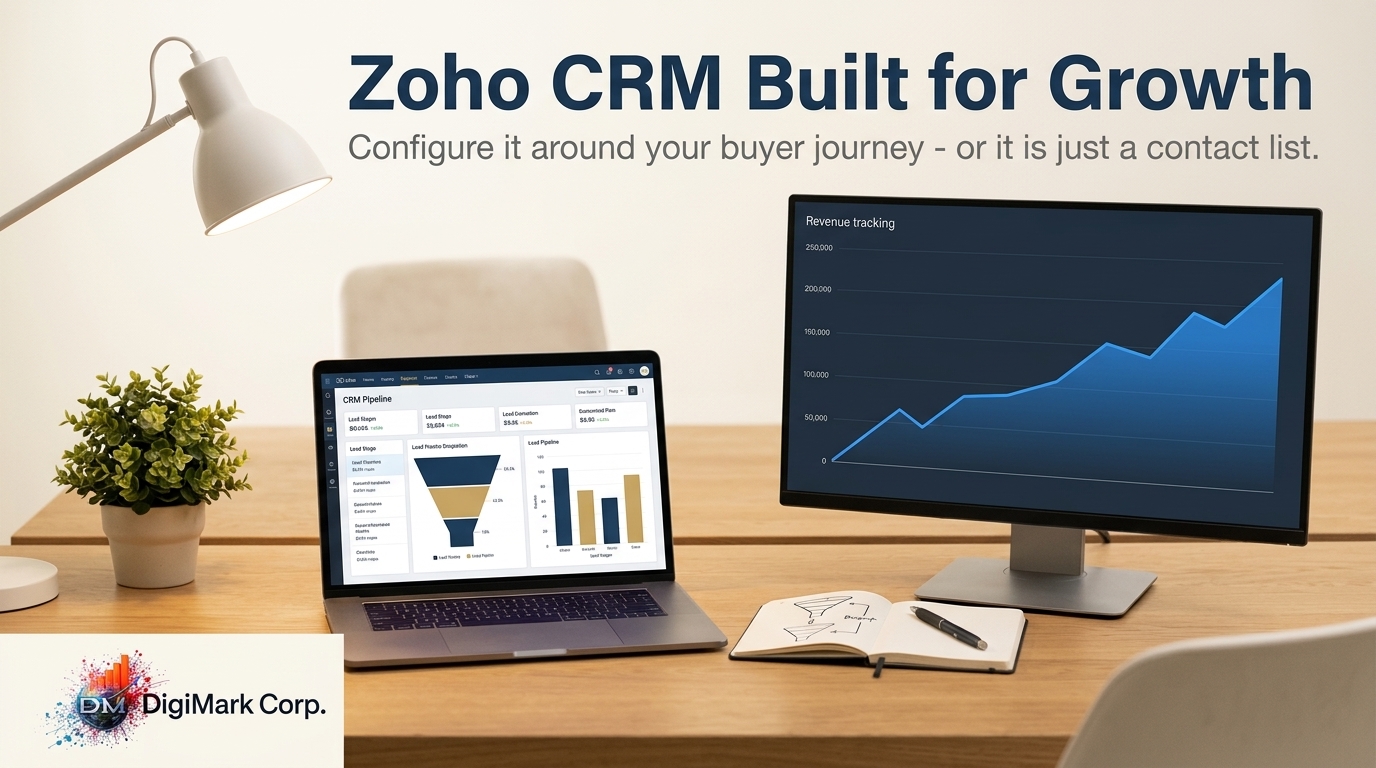
Visibility into your sales pipeline isn’t just beneficial—it’s necessary. Setting up your CRM to provide a clear view of your prospects’ status can transform your approach. Use filters and custom reports to track where leads stand, helping your team prioritize high-potential deals. This clarity allows you to focus on opportunities that are most likely to convert, ultimately boosting sales efficiency.
Drive Growth with CRM Reporting
The real value of CRM reporting lies in its ability to inform strategic decisions. Utilize custom reports to identify trends and predict future outcomes. Are certain channels consistently outperforming others? Use this data to allocate resources effectively. For more insights into maximizing CRM ROI, check out this post on calculating Zoho CRM ROI.
Strategic CRM Configuration
A well-configured CRM is a powerhouse of potential.
Lead Capture Integration Techniques
Integrating lead capture forms directly into your CRM streamlines the process from the start. Utilize plugins or APIs to automatically pull leads from your website or social media. This approach reduces manual entry errors and ensures every lead is followed up promptly, increasing the chances of conversion. Implementing these techniques can make a significant difference in how efficiently your sales team operates.
Custom Dashboards for Revenue Tracking
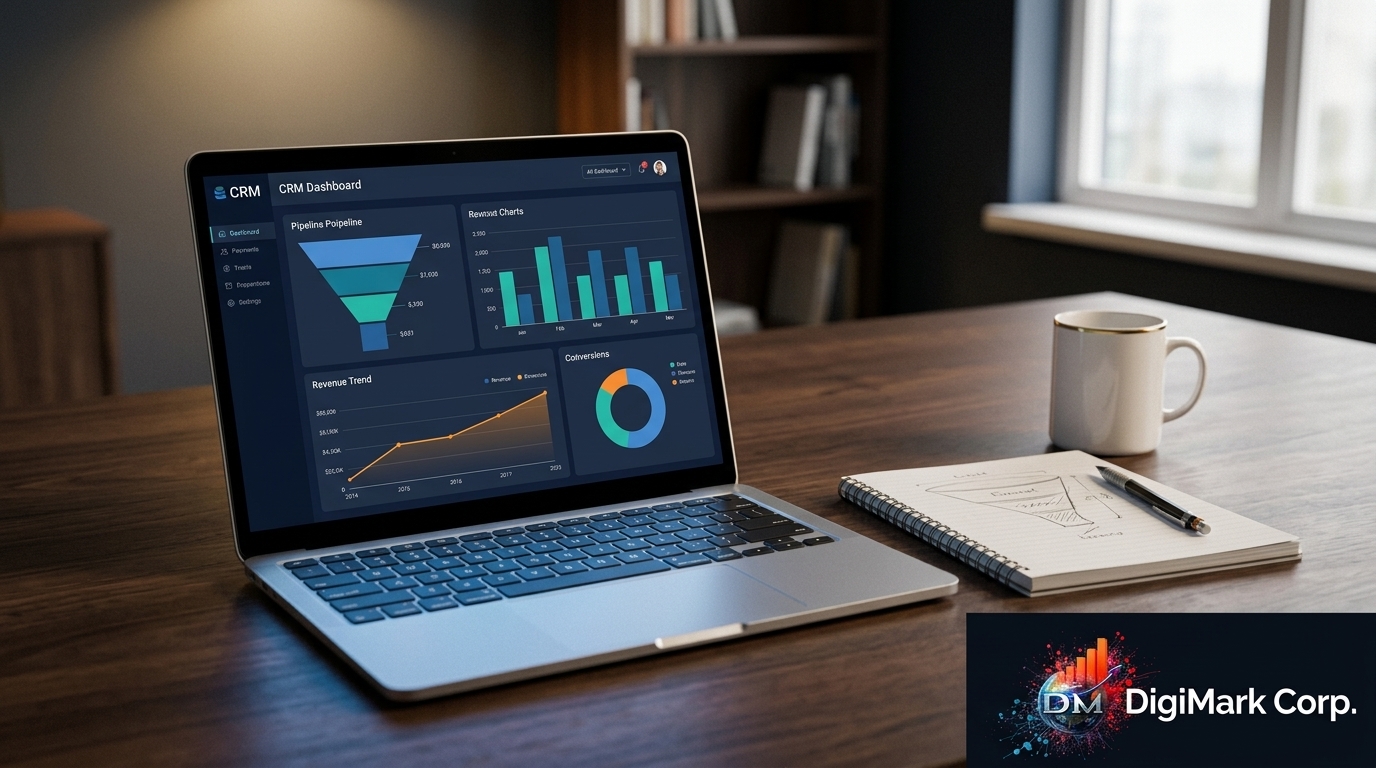
Custom dashboards transform raw data into actionable insights. Set up your dashboard to display key metrics such as sales targets, conversion rates, and revenue forecasts. This visual representation allows you to quickly assess performance and adjust tactics as needed. A well-designed dashboard is not just a tool—it’s your strategic ally in achieving revenue goals.
Automate Lead Nurturing Processes
Automating lead nurturing is a game-changer. By creating automated workflows, you can ensure timely and relevant follow-ups with leads. This consistent engagement builds trust and keeps your brand top-of-mind, nurturing leads until they’re ready to purchase. For more on how marketing automation can drive predictable growth, read our guide on marketing automation.
Planning for Fiscal Clarity
Clarity in your fiscal planning is not just helpful—it’s essential for growth.
Optimize CRM for Fiscal Year Planning
Coordinate your CRM setup with your fiscal calendar for seamless planning. Use CRM data to forecast revenue and set realistic targets for each quarter. This proactive approach not only helps in budget allocation but also ensures that you’re on track to meet your financial goals.
Effective Marketing and Sales Alignment
Aligning marketing and sales is key to utilizing your CRM’s full potential. Facilitate regular meetings to ensure both teams are on the same page regarding lead quality and sales strategies. This alignment prevents wasted efforts and ensures a cohesive approach to customer engagement.
CRM Audit for Improved ROI
Conducting a CRM audit helps identify areas for improvement. Regular audits uncover inefficiencies and provide insights into how your CRM can better serve your business needs. For guidance on updating your Zoho CRM, visit the Zoho CRM update.
Frequently Asked Questions
What are the benefits of aligning CRM with the buyer journey?
Aligning your CRM with the buyer journey ensures that each customer interaction is meaningful and relevant, which enhances customer satisfaction and increases conversion rates.
How can custom dashboards improve revenue tracking?
Custom dashboards provide a clear view of your sales metrics, enabling quick assessments of performance and strategic adjustments to meet revenue goals.
Why is automating lead nurturing important?
Automating lead nurturing guarantees consistent follow-up with prospects, building trust and keeping your brand top-of-mind. This increases the likelihood of converting leads into customers.