

You’re drowning in Google Analytics 4 data but still unsure which channels deserve your next marketing dollar. Most businesses get stuck tracking page views instead of real business goals, leaving them guessing where growth actually comes from. GA4 isn’t just a dashboard—it’s a budgeting tool that connects every channel to leads, revenue, and growth, so you can plan your spend with confidence.
To truly understand how to leverage GA4 for effective budget planning, it’s essential to focus on outcome-based measurement. This means setting up your GA4 to not only track traffic but to also follow the journey from channel engagement to conversion. If you’re looking to increase website traffic, you might want to explore this Channel-by-Channel Game Plan that offers detailed strategies.
Using GA4 effectively requires understanding the nuances of conversion tracking and attribution modeling. When setup correctly, GA4 can highlight which channels are turning traffic into leads and revenue. This clarity can inform your fiscal year planning by showcasing real business outcomes. By grounding your marketing budget allocation in data-driven insights, you can confidently invest in channels that contribute to growth.
For businesses ready to optimize their GA4 setup, consider booking a free GA4 Budget Clarity Audit with DigiMark Corp. Our team will help map your key conversions and deliver a simple channel-by-outcome report tailored to your needs.
GA4: A Tool for Budget Clarity
Turning Data into Decisions
Harnessing the power of GA4 transforms scattered data into clear business insights. It’s time to move beyond vanity metrics and use GA4 as a real budgeting tool.
GA4 offers a unique advantage: aligning analytics with your business goals. Instead of just tracking visits, GA4 shows which channels are driving results. This means you can prioritize spending on efforts that deliver tangible growth. Picture knowing exactly which campaigns turn clicks into customers. Isn’t that a game-changer?
Moving Beyond Traffic Metrics
Most businesses focus too much on traffic numbers. GA4 allows you to hone in on what’s important: conversions and revenue.
With GA4, you shift from page views to meaningful metrics. This tool identifies where your audience comes from and what actions they take. Whether it’s a newsletter signup or a purchase, GA4 tracks it all. By understanding these actions, you can allocate your budget more wisely. The longer you wait, the more opportunities slip through your fingers.
Linking Channels to Business Outcomes
Every marketing channel should lead to a business result. GA4 helps you draw those connections clearly and accurately.
By linking channels to outcomes, GA4 provides a full picture of your marketing effectiveness. It’s not just about being present on social media or search engines; it’s about which of those efforts are paying off. Knowing which channels yield the best results lets you invest smarter. This isn’t guesswork; it’s strategy.
GA4 Setup for Success

Setting Goals for Conversion Tracking
Set clear goals in GA4 to track conversions effectively. This step is crucial for making informed budget decisions.
In GA4, conversion tracking starts with defining what success looks like for your business. Whether it’s form submissions or product sales, set specific targets. These goals guide your analytics, turning raw data into actionable insights. With goals in place, you can clearly see which actions lead to revenue. This clarity is essential when planning your marketing budget.
Building Clean Attribution Models
Attribution models in GA4 clarify which channels deserve credit for conversions. They’re key to understanding the true value of each marketing effort.
Creating attribution models helps you see which touchpoints drive conversions. GA4 offers different models, like first-click or last-click, to match your business needs. A clean model shows the path customers take before converting, highlighting the most influential channels. This knowledge guides budget planning, ensuring your spend aligns with channel performance.
Integrating Multi-Channel Analytics
Integrate multi-channel analytics in GA4 to see how all your efforts work together. This holistic view is vital for strategic budget allocation.
Multi-channel analytics provide a comprehensive look at customer interactions across platforms. GA4 excels at merging data from various sources, creating a unified perspective. This integration reveals how channels complement each other, enhancing the customer journey. Understanding these dynamics helps you allocate funds to synergistic channel combinations, maximizing ROI.
From Data to Budget Action
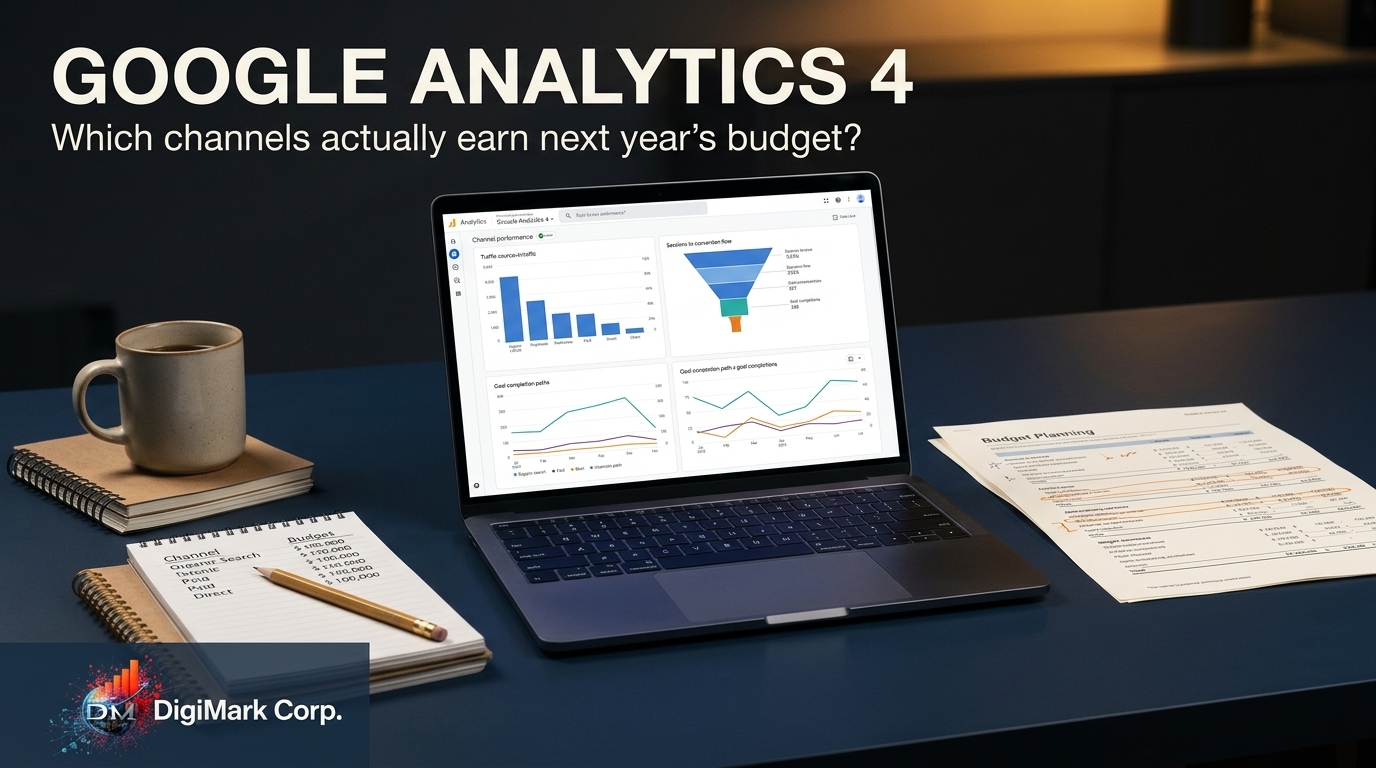
Analyzing Channel ROI
Knowing your channel ROI is essential for smart budgeting. GA4 helps you pinpoint which channels truly deliver returns.
GA4 allows you to calculate the ROI for each marketing channel. With this data, you can identify high-performing channels and allocate resources effectively. It’s about investing where you see the best returns. By continually analyzing ROI, your budget decisions become more strategic and less speculative.
Fiscal Year Planning with GA4
Use GA4 insights for informed fiscal year planning. It aligns your marketing spend with proven outcomes.
Fiscal year planning involves forecasting based on past performance. GA4 provides the data to make these forecasts reliable. By analyzing past channel performance, you can set realistic goals for the upcoming year. This foresight helps you allocate budgets where they’ll impact growth the most. Smart planning today leads to sustained success tomorrow.
Lead Generation and Revenue Attribution
Map lead generation and revenue back to specific channels with GA4. This visibility ensures your budget fuels the most effective strategies.
GA4 tracks the journey from lead generation to revenue. It shows which channels convert leads into paying customers. This tracking is crucial for revenue attribution, allowing you to see where your investment pays off. By focusing your budget on these successful channels, you ensure continued growth and profitability.
Frequently Asked Questions
What is Google Analytics 4?
Google Analytics 4 (GA4) is the latest version of Google’s analytics platform. It provides insights into how users interact with your website, helping businesses track key metrics like conversions and user behavior.
How does GA4 improve marketing budget allocation?
GA4 offers detailed insights into which channels drive conversions and revenue. This data allows businesses to allocate their marketing budget more effectively, focusing on channels that deliver the best returns.
What are the benefits of setting goals in GA4?
Setting goals in GA4 helps track specific actions that lead to business success, like purchases or sign-ups. This tracking provides clear metrics to measure marketing effectiveness and informs budget planning decisions.
Why is multi-channel analytics important in GA4?
Multi-channel analytics integrate data from various sources to provide a holistic view of customer interactions. This integration helps businesses understand how different channels work together and informs strategic budget allocation.
How can lead generation and revenue attribution be tracked with GA4?
GA4 tracks the customer journey from lead generation to revenue, showing which channels convert leads into customers. This tracking helps businesses focus their budget on channels with the highest return on investment.