
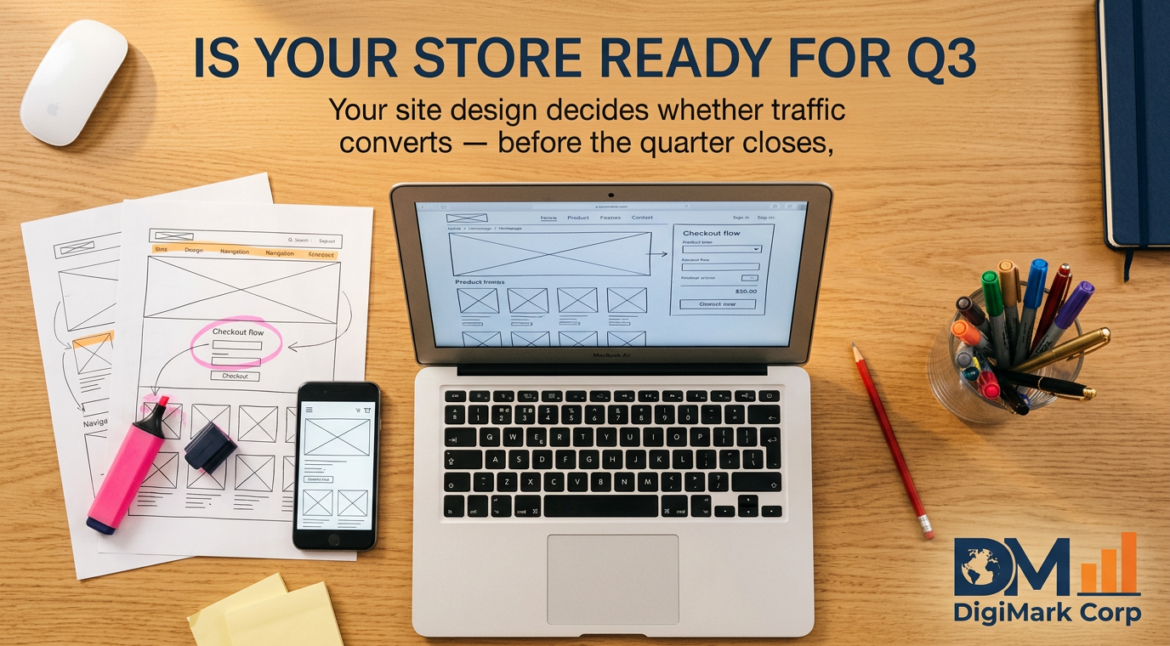
At the close of Q2, many ecommerce owners scramble to boost traffic, hoping more visitors will fix lagging sales. The truth is your site’s design often leaks more revenue than your current traffic numbers reveal. With over 20 years in ecommerce website design, we’ve seen how improving homepage clarity, checkout flow, and trust signals turns attention into real sales faster than any last-minute ad spend. Let’s break down how to tighten your store and convert before Q3 hits. For more insights, visit this guide.
Pressure Points in Ecommerce Design
Ecommerce sites often leak potential sales due to poor design choices. Fixing these issues can transform your traffic into revenue just in time for Q3.
Urgency of Conversion Rate Optimization
Boosting conversion rates isn’t just a nice-to-have; it’s crucial. More traffic won’t solve low sales if your site doesn’t convert. Conversion Rate Optimization (CRO) focuses on transforming visitors into customers. Think of it as fine-tuning your site to meet shopper needs instantly. Start by evaluating what makes users leave without buying. Addressing these gaps can lead to significant revenue increases quickly.
The Role of Ecommerce Website Design
Design is the backbone of your online store’s success. An effective ecommerce website design guides users smoothly from entry to checkout. A good layout helps users find products easily, understand details, and trust your brand. Prioritize clarity and user-friendliness to keep visitors engaged. A well-designed site doesn’t just look good; it works hard to convert.
Aligning Design with Q3 Goals
As you aim for stronger Q3 results, align your design strategy with these goals. Analyze how your website currently performs. Identify areas where users drop off. Then, implement specific changes to boost conversions. This approach ensures your efforts directly support your quarterly targets, turning design improvements into measurable success.
Key Elements for Quick Wins

Small tweaks in key areas can make a big difference in your site’s performance. Focus on these elements to see fast improvements in conversion rates.
First Impressions and Homepage Optimization
Your homepage is the first thing visitors see. Make it count. A cluttered or confusing homepage can drive users away. Simplify navigation and highlight popular products. Use clear calls-to-action (CTAs) to direct visitors where you want them to go. Ensure your site loads quickly; slow speeds frustrate users. A streamlined homepage sets a positive tone for the rest of the shopping experience.
Product Page Design for Clarity and Impact
Product pages should do more than just display items. They must convince users to buy. Use high-quality images and detailed descriptions. Include customer reviews to build trust. Make pricing clear and highlight any promotions or discounts. If users can’t quickly find the information they need, they’ll leave. Your product pages should answer questions before they’re asked.
Checkout Optimization to Reduce Cart Abandonment
Cart abandonment is a common issue. Simplify the checkout process to keep users from leaving. Reduce the number of steps required to complete a purchase. Offer multiple payment options and display security badges to reassure buyers. Consider a one-click checkout option for returning customers. By making checkout seamless, you can significantly reduce abandonment rates.
Strategic Design Audit Approach
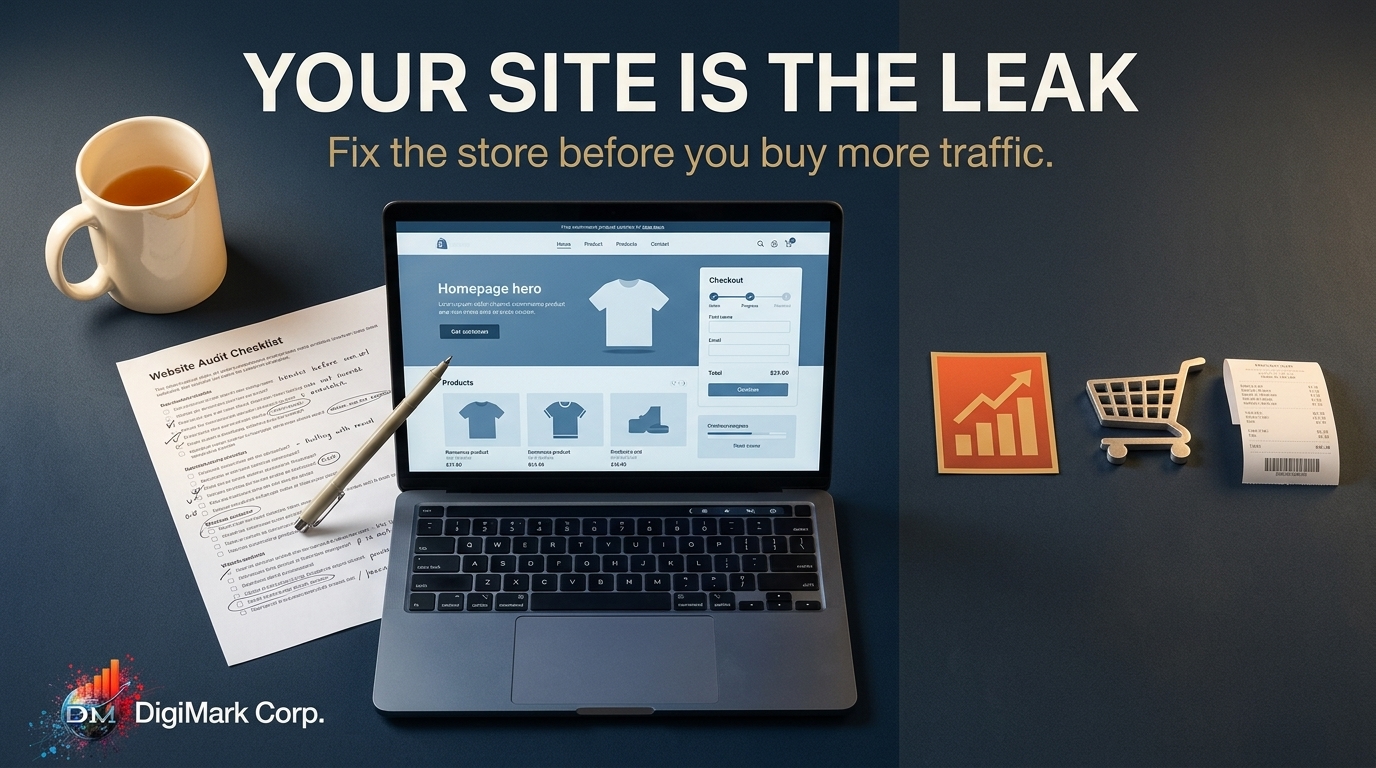
Conducting a design audit can reveal hidden opportunities for improvement. Focus on these areas to ensure your site is optimized for performance.
Core Web Vitals and Site Speed Optimization
Site speed impacts user experience significantly. Slow sites frustrate users, leading them to leave before purchasing. Optimize images and leverage browser caching to boost speeds. Google’s Core Web Vitals provide a set of metrics to measure and improve speed and performance. Regularly monitor these metrics to ensure your site meets standards.
Building Trust with Effective Trust Signals
Trust signals reassure visitors they can safely shop with you. Display security badges prominently and ensure your contact information is easy to find. Customer reviews and testimonials also build credibility. Offering clear return policies can further reassure hesitant buyers. Trust signals can be the deciding factor for cautious customers.
Mobile-First Ecommerce and Shopify Optimization
More shoppers are using mobile devices than ever before. A mobile-first approach ensures your site is accessible and user-friendly on all devices. Test your site on various screen sizes to ensure consistency. For Shopify users, taking advantage of platform-specific features can enhance performance. Ensure your mobile design is intuitive to capture mobile traffic effectively.
Frequently Asked Questions
What is Conversion Rate Optimization (CRO) for ecommerce?
Conversion Rate Optimization involves adjusting your site’s elements to increase the percentage of visitors who complete a purchase. It focuses on user experience, design, and addressing any barriers to conversion.
How can I reduce cart abandonment on my ecommerce site?
Simplify the checkout process by minimizing steps and offering multiple payment options. Display security badges and consider features like one-click checkout for returning users to lower abandonment rates.
Why is mobile-first design important for ecommerce websites?
With more users shopping on mobile devices, a mobile-first design ensures your site is user-friendly across all devices. This approach helps capture a wider audience and improves overall site performance.
What are trust signals, and why are they important?
Trust signals, such as security badges and customer reviews, reassure visitors that your site is safe and reliable. They play a crucial role in building credibility and encouraging conversions.